
Get Ready The Launch of the New QCU Digital Banking Upgrade is Just Days Away
QCU’s new digital banking platform will be available to access on Tuesday, November 3. To make your transition as smooth as possible, here’s everything you need to know.

What to Do on November 3rd
Download the Updated QCU App
On launch day, November 3, download the latest version of Quincy CU – Mobile Banking app. This will ensure you’re ready to access your accounts and start banking.
Your First Login
On November 3, sign in using your current username and password. After your initial login, you’ll be prompted to create a new password. Once you’ve done that, you can re-enable biometric login (Face ID or fingerprint) on your device.
During the Upgrade Window
The QCU Mobile App will be temporarily unavailable during the upgrade window. To view the upgrade schedule, learn which services will be unavailable, and get the latest updates, check the QCU Service Availability table below.
QCU Service Availability during Digital Banking Upgrade:
Find out what you’ll be able to do during each phase of our digital upgrade.
| Service | Friday, October 30 |
Saturday-Monday, October 31-November 2 |
Tuesday, November 3 |
|---|---|---|---|
| Online & Mobile Banking | Available | Unavailable from 11/2 at 3:00pm until 11/3 at 10:00am |
Available |
| Bill Pay | Unavailable | Unavailable | Unavailable |
FAQs
Why is Quincy Credit Union doing the Digital Banking Upgrade?
Technology is continuously evolving, especially within the financial services industry. We are upgrading our digital banking experience to ensure we continue to provide the highest level of account security and member service.
When is the New Digital Banking Upgrade happening?
We are proud to share that our digital banking upgrade will take place this fall! We’ll continue to share updates via email and on this dedicated Digital Banking web page.
What new changes can I expect?
There are many new features designed with you in mind. These include:
- Access to your credit score and report
- Account personalization
- Advanced security
- Financial wellness
- In-app statements
- Reorder checks directly through desktop/mobile
- Manage CD maturity options
- Secure in-app messaging
- Card management
- And more!
Will I get advance notice before the upgrade?
Yes. Please check your inbox for emails, view our dedicated Digital Banking web page, and banner messages on QCU’s current Digital Banking platform frequently.
Will my debit card and credit cards work during the Digital Banking upgrade, and will I be able to access my accounts and funds?
Yes. Credit and Debit Cards, ATMs, direct deposits, ACH and all regular branch operations will remain available during upgrade.
Will my debit card or credit card number change?
No, they will not change.
Do I need to do anything to get ready for my new Digital Banking?
Yes. Please ensure your all contact information is correct within the Profile section of your current Digital Banking, including:
- email address
- mobile phone number
- mailing address
This will ensure you don’t miss any important notifications.
Please Note: A valid email address will be required to access your new Digital Banking when it is launched.
Will I need to download a new app?
You should download the mobile banking app to get the latest version.
iPhone users: Your app will update as usual. If you don’t have automatic updates turned on, you can manually update by searching “Quincy Credit Union” in the App Store.
Android users: You will need to download our new app “Quincy CU”, rather than updating the existing one. Simply search “Quincy Credit Union” in the Google Play Store.
Can I still use Face ID/Touch ID with the new app?
Yes, both methods of verification will continue to work but will need to be enabled in the new app.
Will my Bill Pay information transfer?
Yes, your Bill Pay information will be transferred.
I have a payment scheduled around the upgrade. Will it process on time?
Yes, it should be processed without any anticipated delays.
Will my account alerts be transferred, or will I need to set them up again?
Your Alerts will need to be re-established.
For questions regarding the update please call 617-479-5558
or visit any QCU branch.
Stay Informed
We’re just days away from the launch. Please visit this page for important updates!

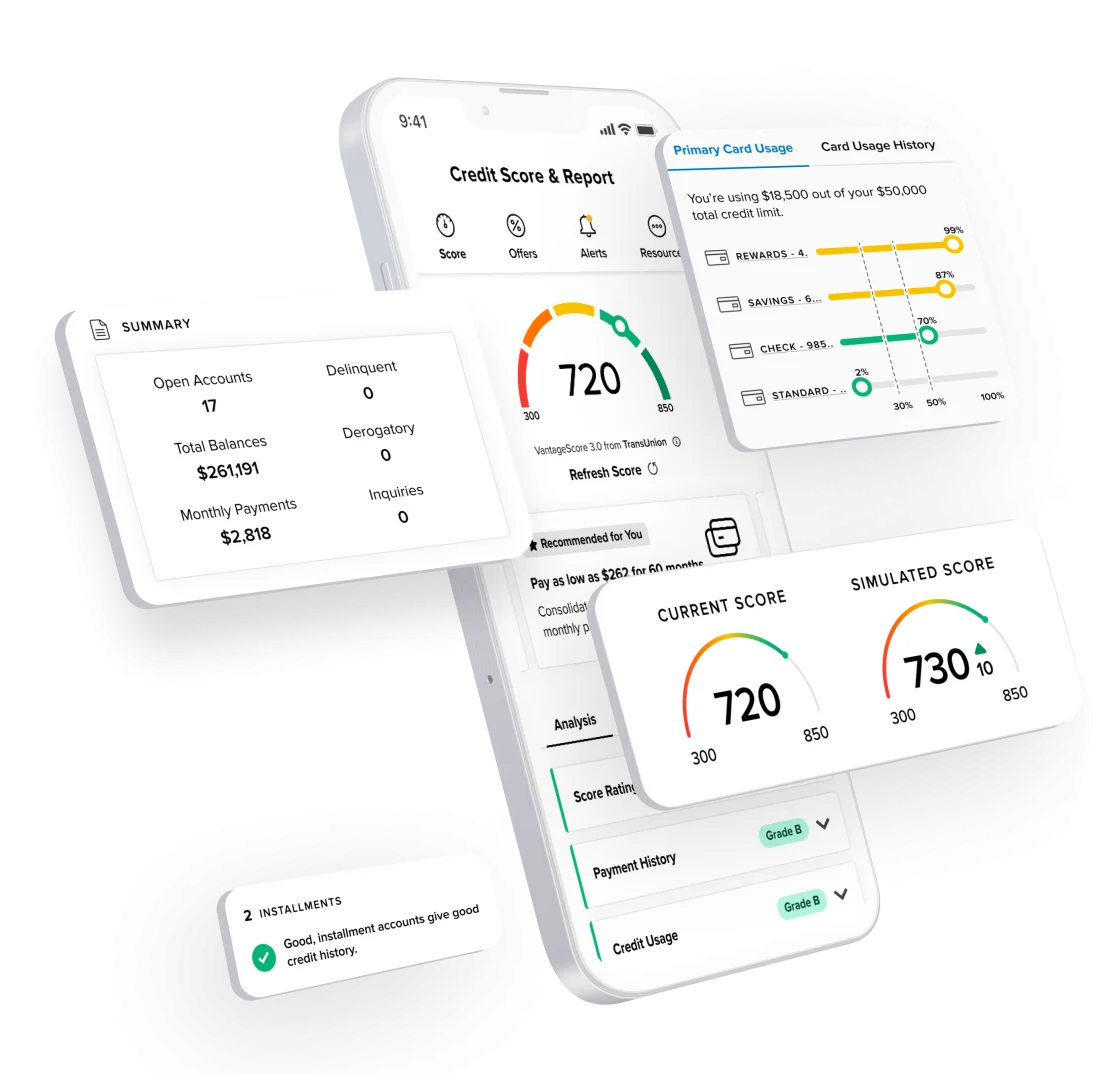
Get to Know
Your Credit
Access your credit score, credit report, and helpful financial tools with SavvyMoney – free through QCU digital banking.